 Knetmeister 3D
Deutsch
Create your own 3D models, shape them with easy-to-use tools, and export your creations as STL files for 3D printing. Made for beginners.
Free for 7 days, then a one-time $13.99. No subscription required.
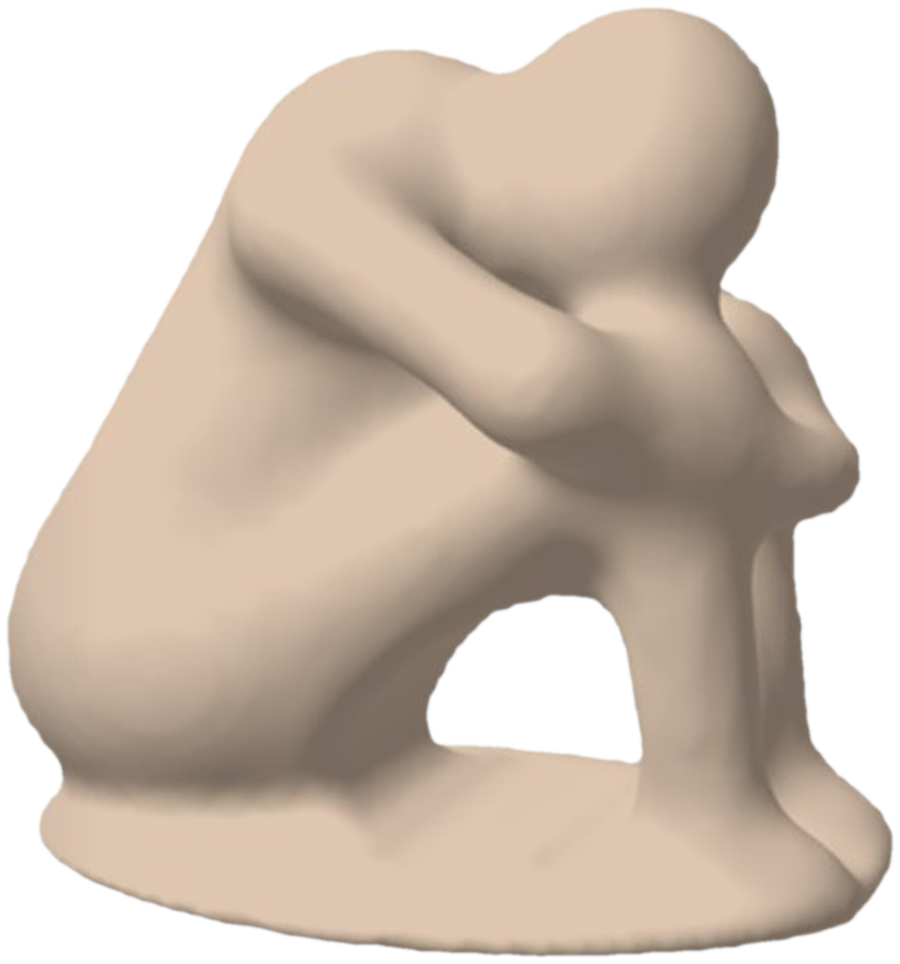
From a lump of clay to a 3D model you can export — in a few easy steps.
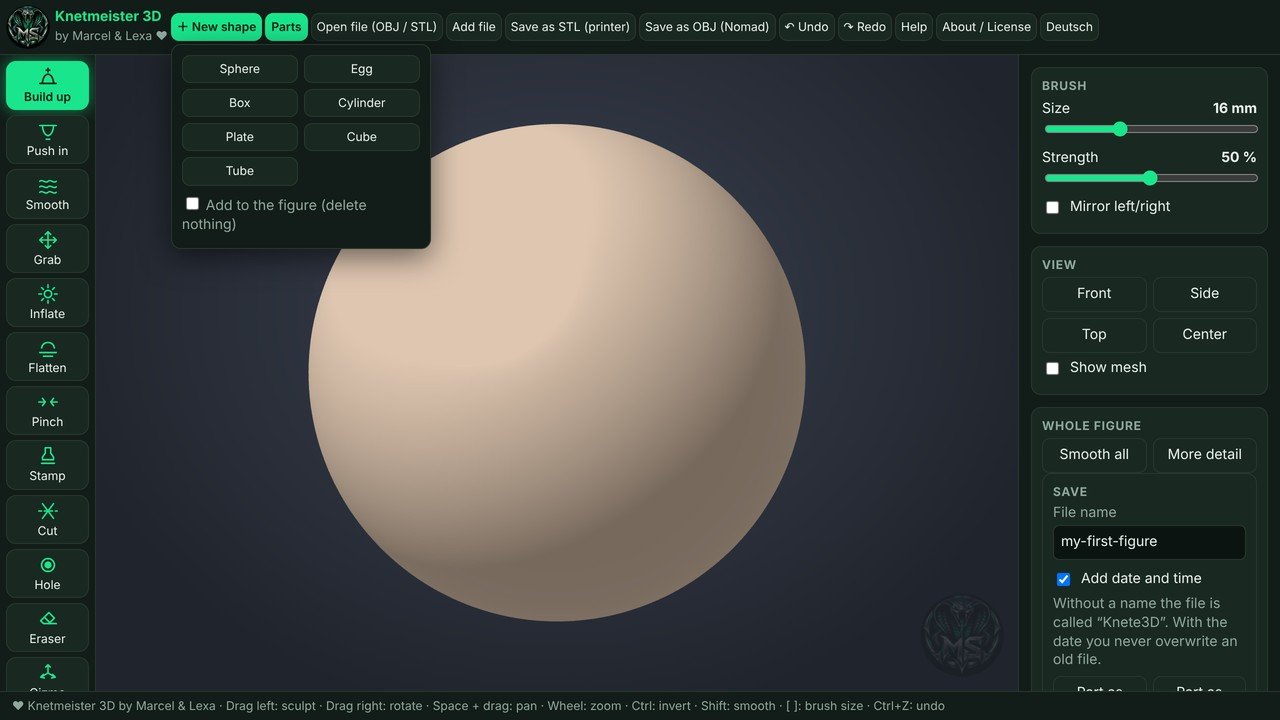
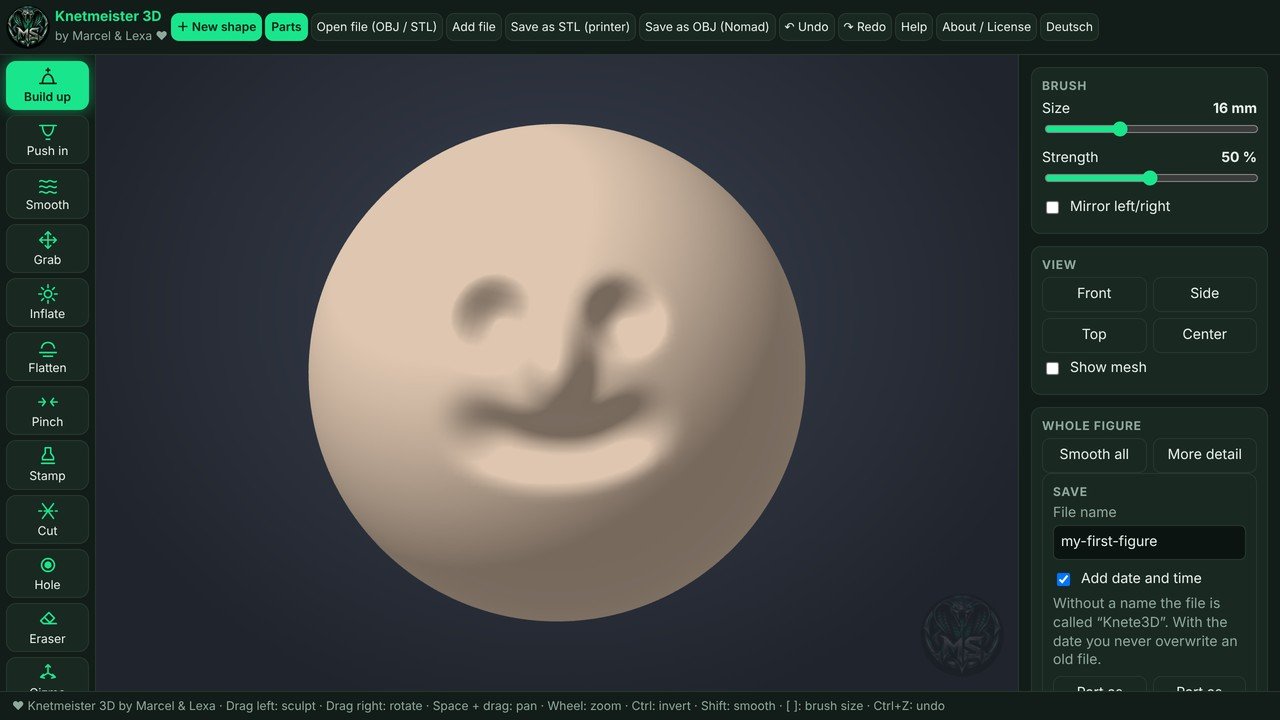
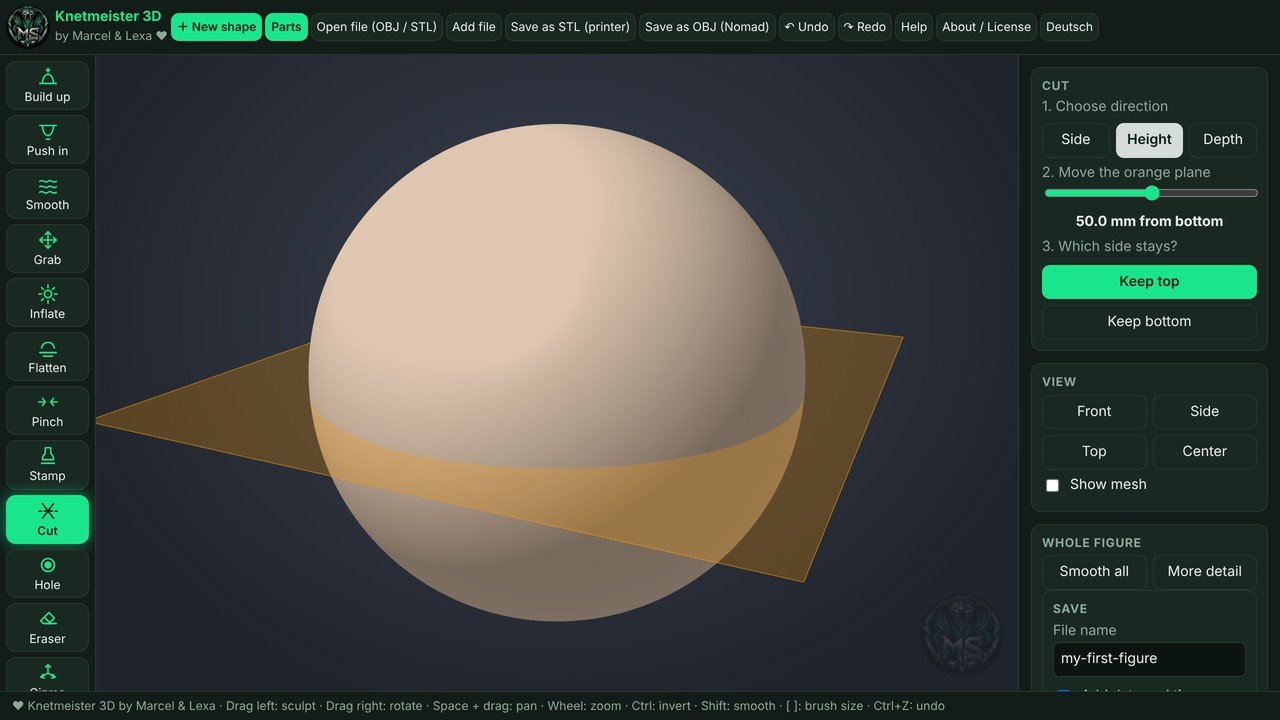
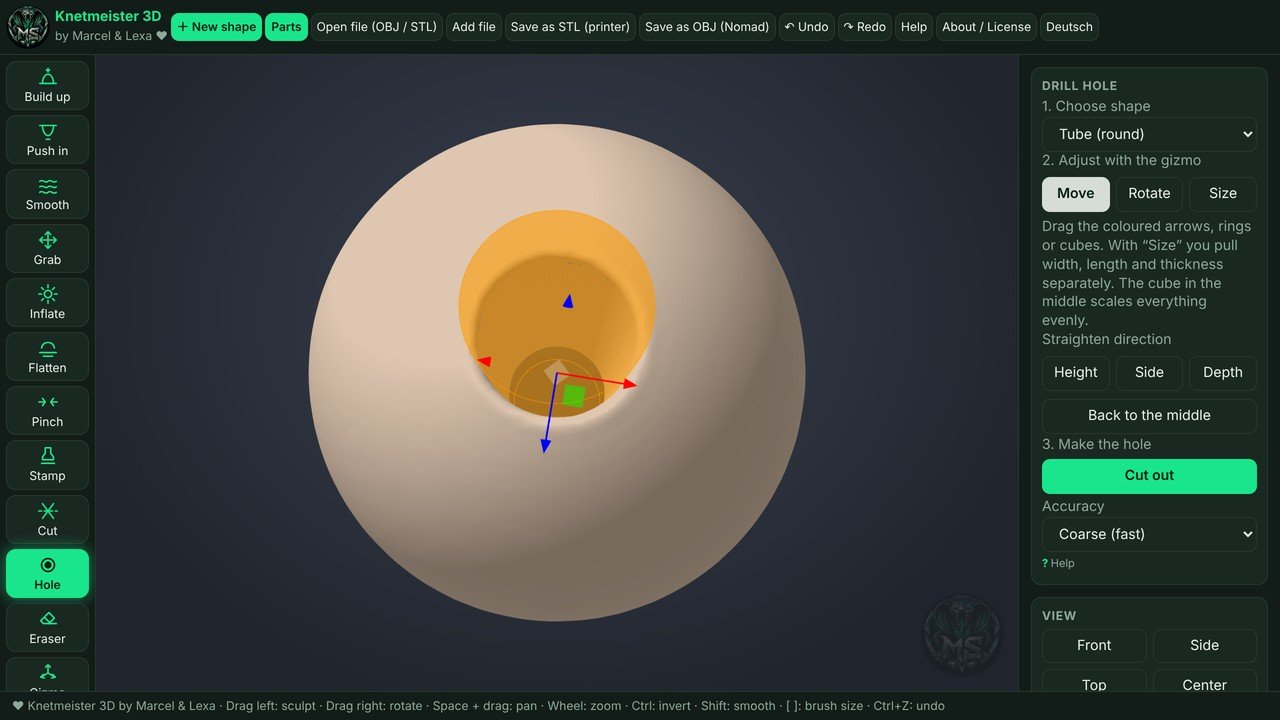
All the tools a beginner needs to create 3D models for printing.
For anyone who wants to create their own 3D figures without learning complicated CAD software first.
Never made a 3D model before? Start with a sphere, cone, or block and shape it with your mouse, just like modeling clay. No technical drawings or measurements needed.
Own a 3D printer? Design your own figures, gifts, and decorations, export them as STL files, and open them in any slicer, such as Cura, PrusaSlicer, Bambu Studio, or Anycubic Slicer Next.
A simple way to bring 3D design into the classroom. Students see results in minutes, and their work stays on the computer. Nothing is uploaded to the cloud.
Give your visitors an easy first step into 3D printing. Knetmeister 3D runs right on Windows PCs and is installed and updated through the Microsoft Store.
Make a small figure, a pendant, or a game piece together. Undo, redo, and a full history make it easy to try things out without worrying about mistakes.
Knetmeister 3D has tools for both right- and left-handed people, so everyone can sculpt comfortably.
Most 3D modeling programs are built for engineers. They are powerful, but they can feel overwhelming when you just want to make a small figure for your 3D printer. Knetmeister 3D takes a different approach: you sculpt instead of drawing.
Start with a basic shape, then build it up, push it in, smooth it, or pinch it with one of eight brushes. Add ready-made parts like a head, arms, legs, or hands, and move, rotate, and resize them with simple on-screen controls. Mirror mode shapes both sides at once, so faces and bodies stay symmetrical.
When your model looks good, the print preview highlights overhangs and thin walls that could cause problems on your printer. Then save it as an STL file and send it to your slicer. That's it: from a lump of digital clay to a real object on your desk.
Knetmeister 3D is made in Switzerland. It's a one-time purchase of $13.99 with a free 7-day trial. No subscription and no hidden costs.
Three steps, all through the Microsoft Store.
Click "Try free for 7 days." The Microsoft Store opens with Knetmeister 3D Beginner.
Use it free for 7 days. Like it? Buy it once for $13.99 — no subscription, no license keys.
The Store installs it for you. Open it and shape your first figure.
Try it free for 7 days first. For Windows, installed and kept up to date through the Microsoft Store.
Want Knetmeister 3D on several computers — a classroom, a workshop, a small shop? Get in touch and we'll put together a multi-license offer.
Email us: 3d.druck@gmx.chHandmade 3D-printed figures, lamps, and decor from Switzerland.
Visit 3DMarcelShop