 Knetmeister 3D
 › Make your own figures for 3D printing
Print figures you made yourself
You own a 3D printer, but you only print other people's files? Knetmeister 3D lets you sculpt your own figures like modeling clay and save them as STL for your printer. No CAD, no experience needed.
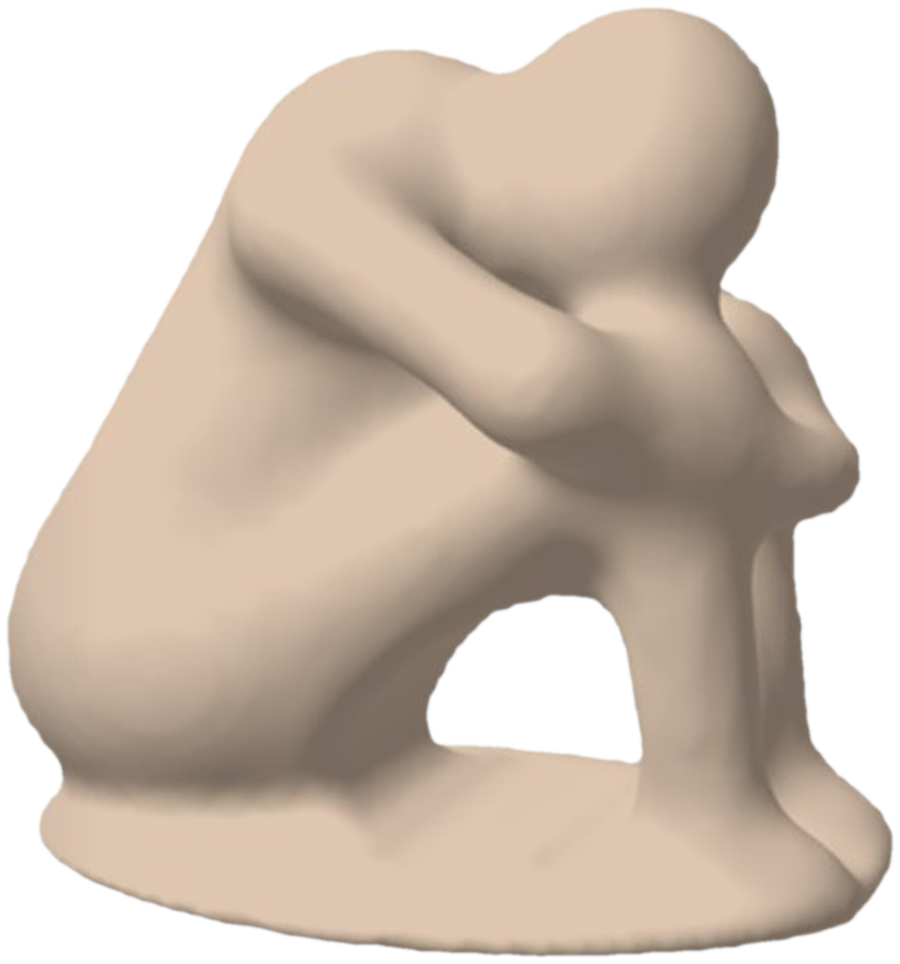
From a ball of clay to your printer in 4 steps
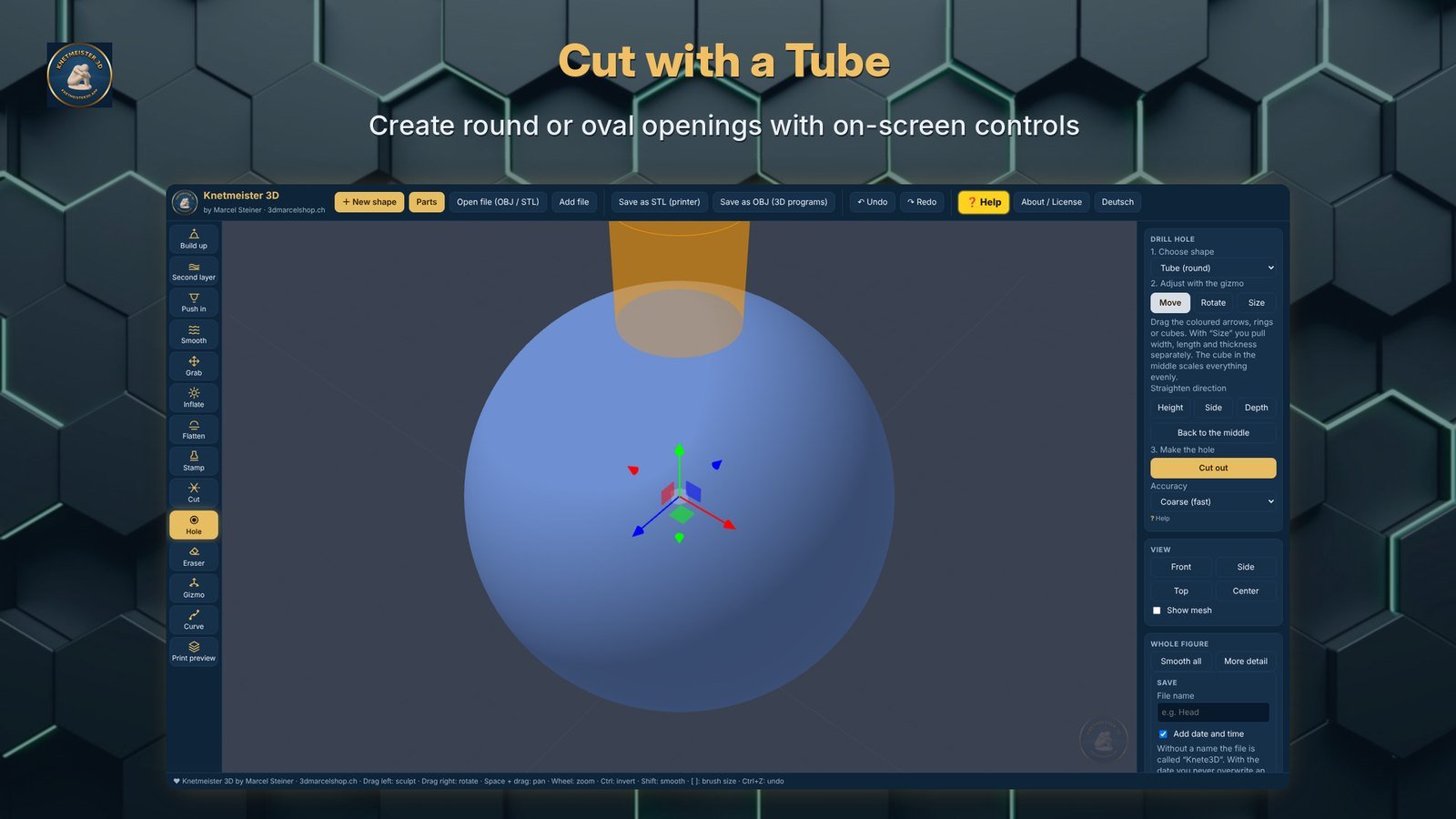
Sphere, egg, box, cube, cylinder, plate, tube or star. Or open your own STL or OBJ file.
Build up, push in, smooth and pull with the mouse. Mirror mode shapes both sides at once.
Heads, arms, legs, hands, feet, ears, an igloo, alien and dragon parts are ready to click on.
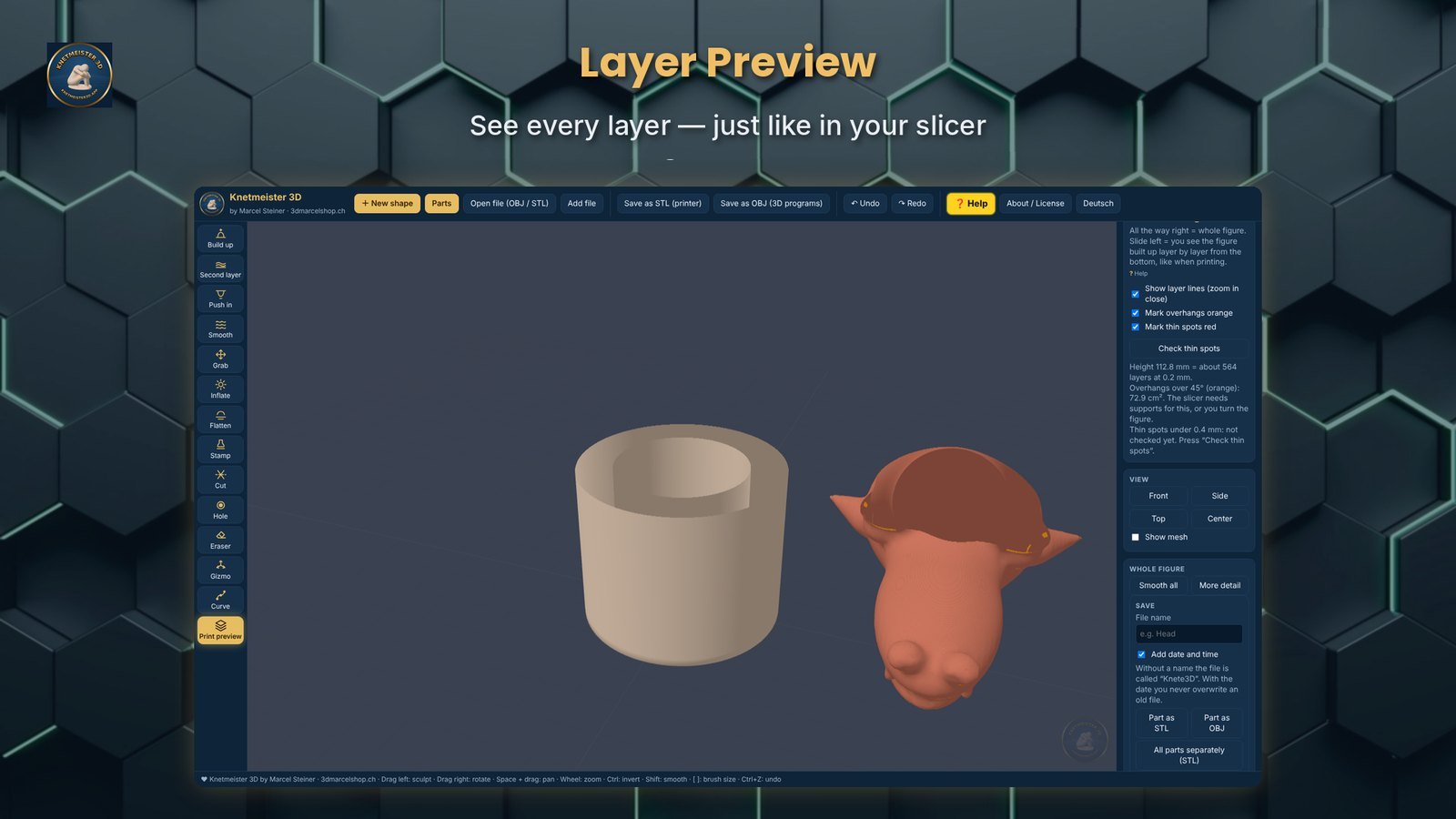
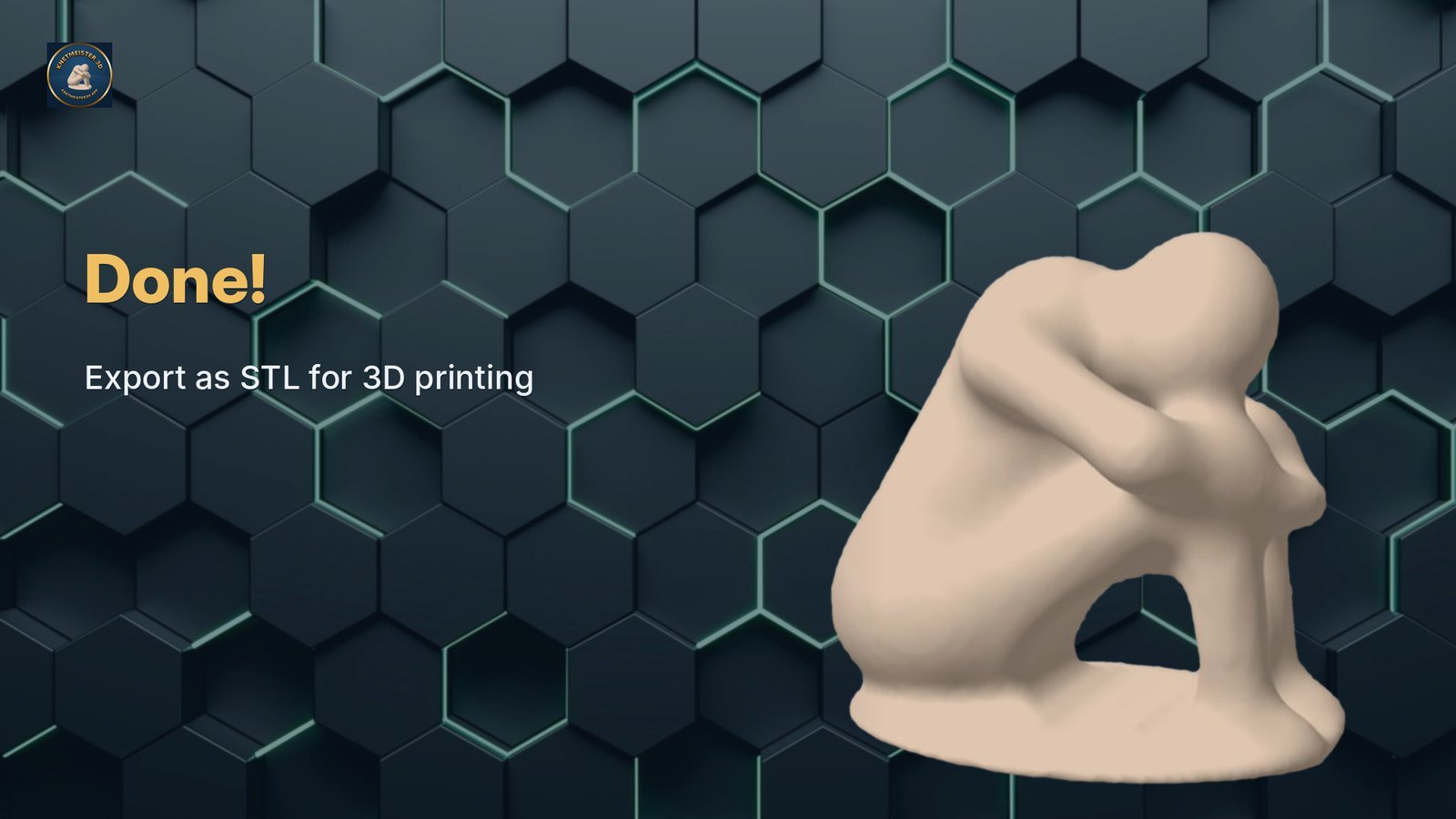
The print preview shows overhangs and thin spots. Then save as STL and slice it as usual.
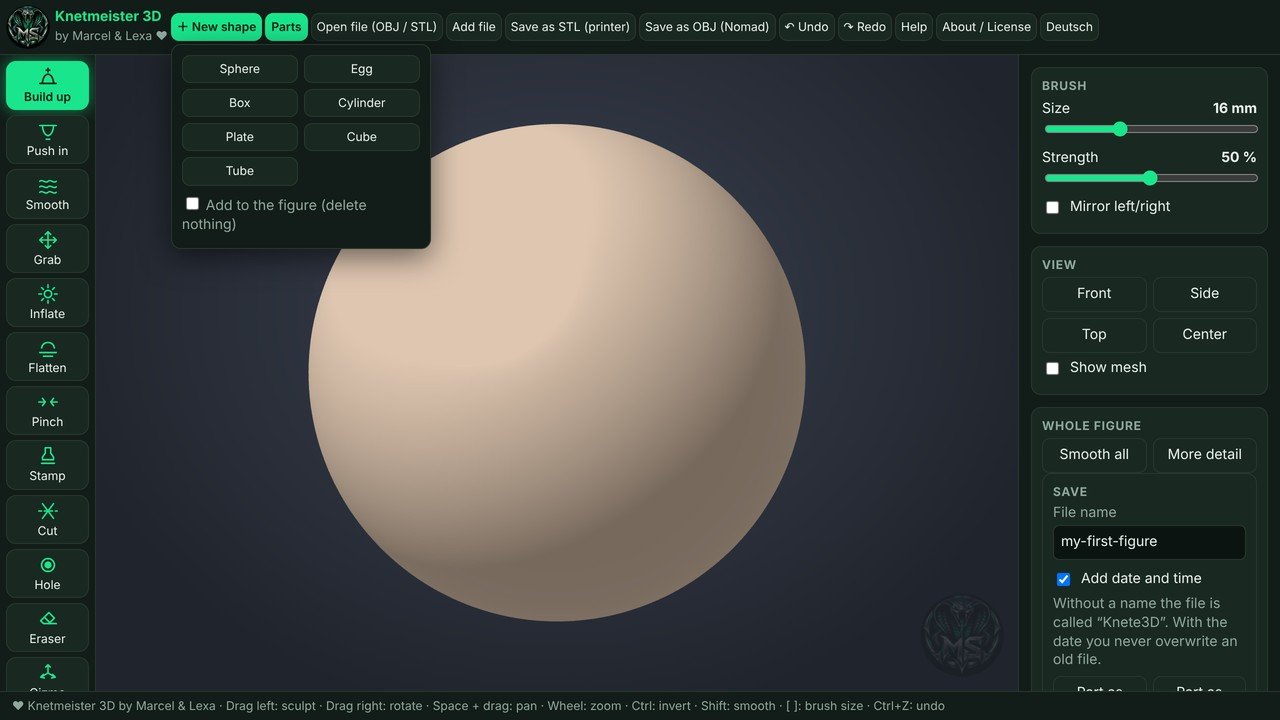
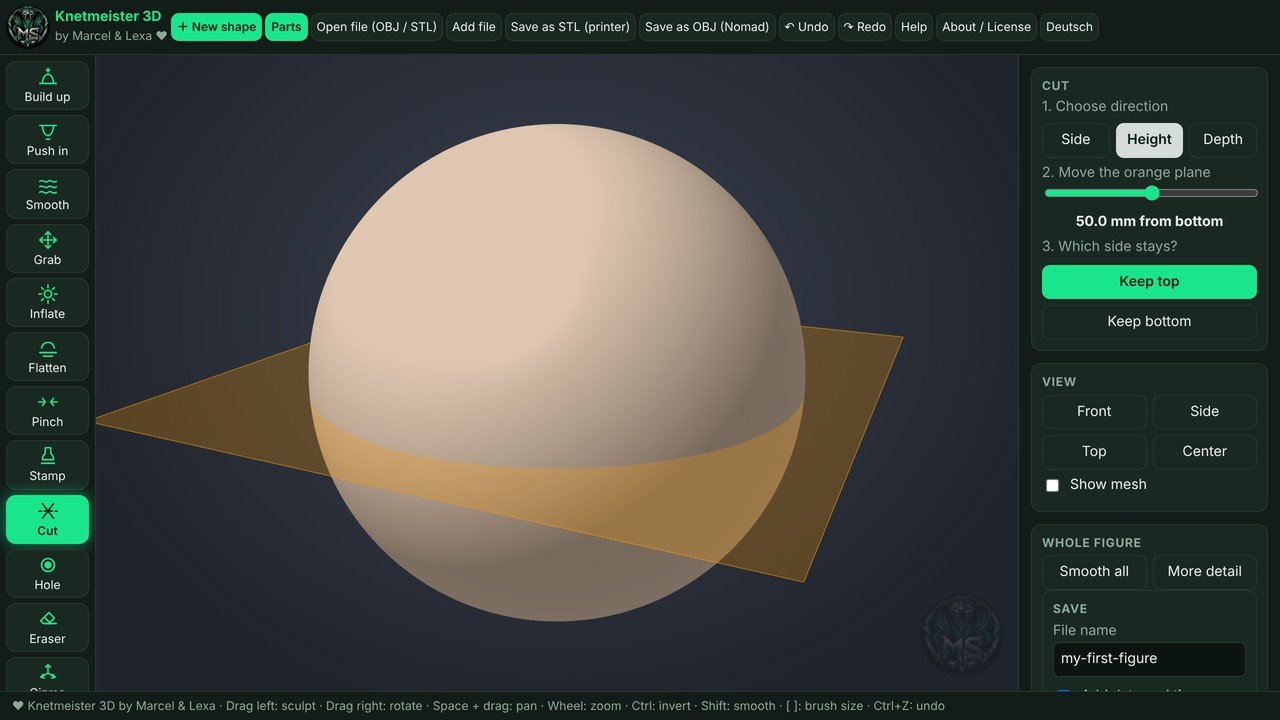
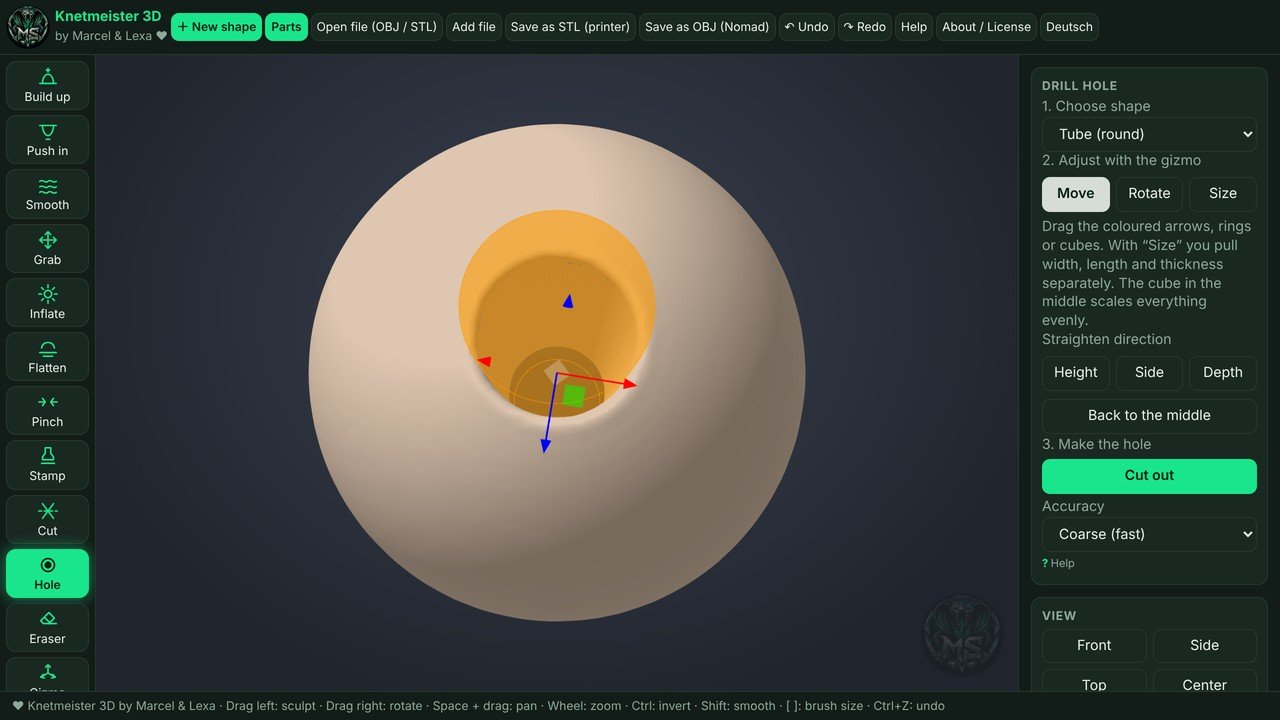
Ideas to start with
Little monsters
Start with an egg, add alien parts and inflate a big belly.
Dragons
Click on a dragon head, wings and a tail, then smooth everything together.
Christmas decoration
Use the star start shape or sculpt small figures for your own advent wreath.
Gifts
A figure nobody else has, printed on your own printer.
Try it free for 7 days
Then a one-time $13.99 in the US Microsoft Store. No subscription, no license key.
Frequently asked questions
Do I need experience with 3D modeling?
No. Knetmeister 3D is made for beginners. You shape a ball like clay with your mouse.
Which printers does the STL work with?
Any 3D printer that prints from STL files. Open the file in your usual slicer.
Can I edit files I downloaded?
Yes. You can open your own STL and OBJ files and keep working on them.
Does it run on Mac?
The Microsoft Store version runs on Windows.