 Knetmeister 3D
 › For schools, libraries and makerspaces
3D sculpting your students get in minutes
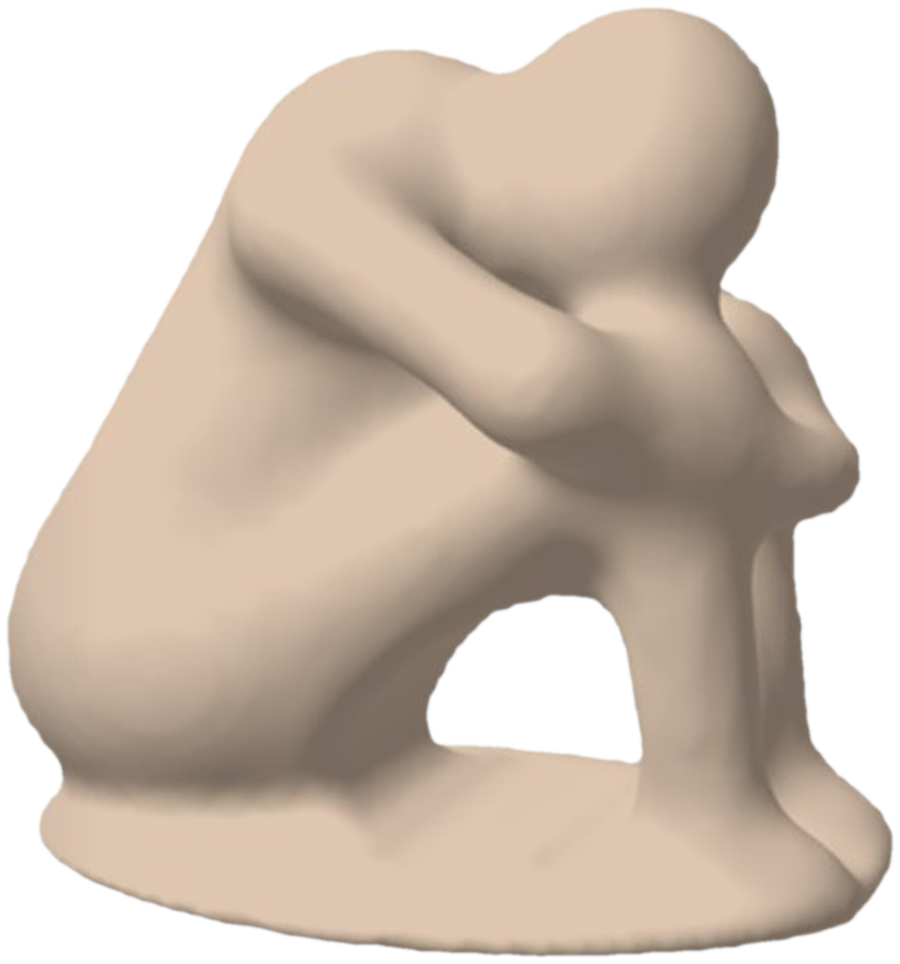
Your school, library or makerspace has a 3D printer, but CAD programs scare beginners away? With Knetmeister 3D, students shape a figure like modeling clay with the mouse and save it as an STL file for the printer.
Why it works for classrooms
No CAD knowledge needed
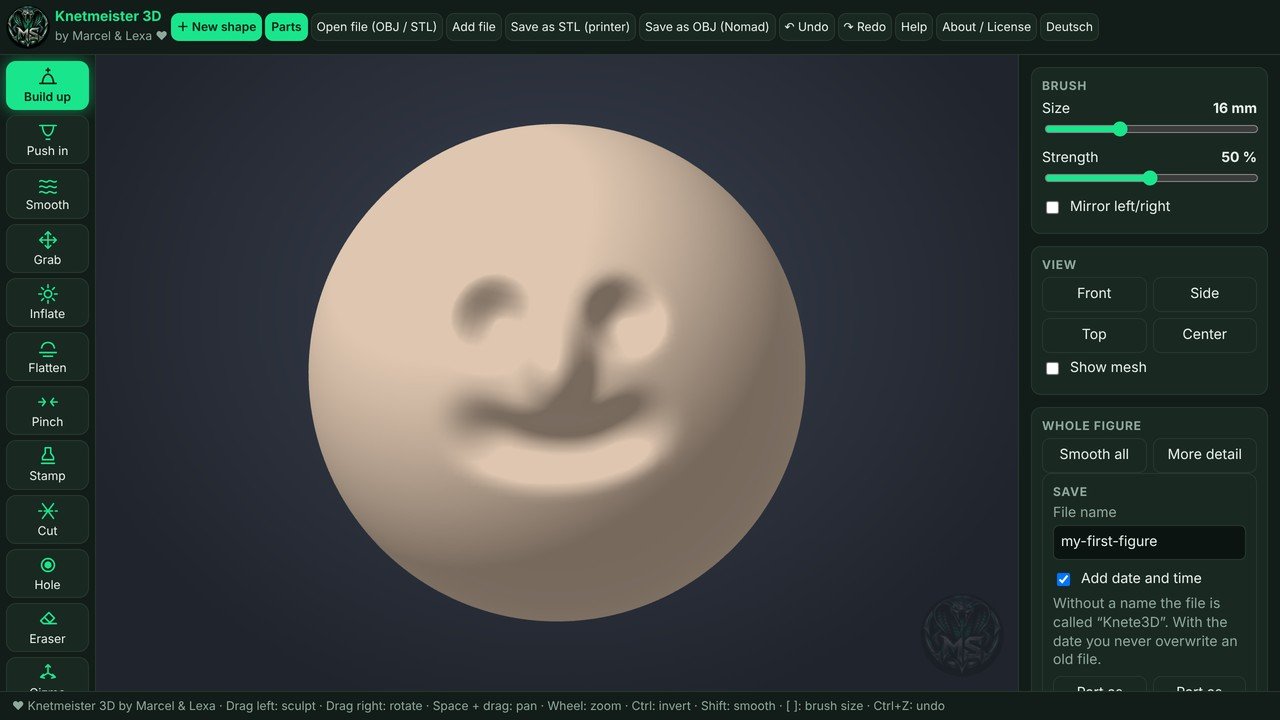
Students start with a ball and build up, push in, smooth and pull, just like real clay. If you can use a mouse, you can start.
From idea to printer
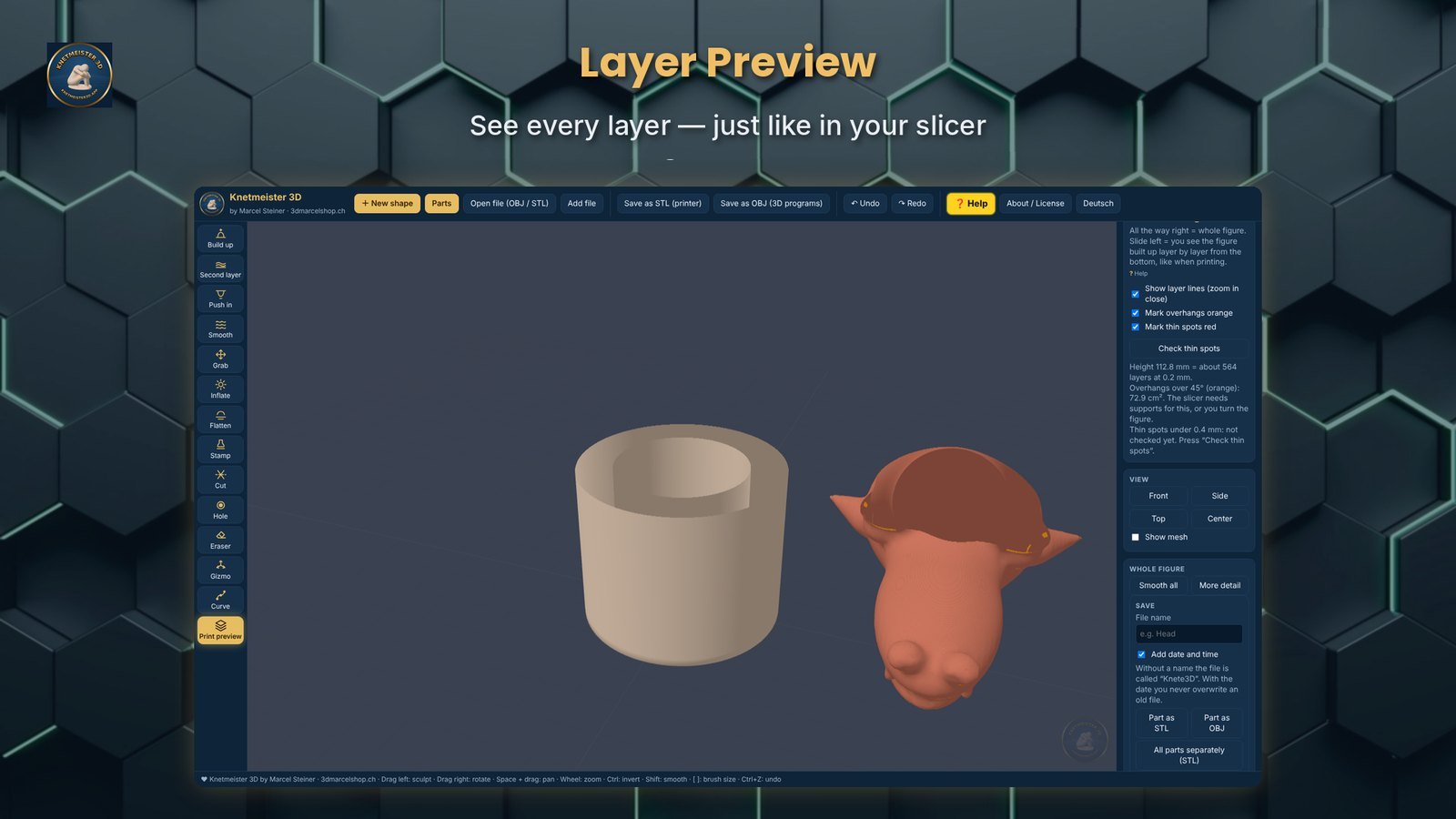
Save as STL and open it in the slicer you already use. A print preview shows overhangs, thin spots and every layer, so fewer prints fail.
Works on the PC
Everything runs on the Windows computer. Figures are saved locally and are not uploaded anywhere.
No subscription
A one-time purchase per computer, installed and updated through the Microsoft Store. No license keys to type in.
What students can do with it
- Sculpt with 8 brushes: build up, second layer, push in, smooth, grab, inflate, flatten and stamp
- Mirror mode: shape the left side and the right side follows
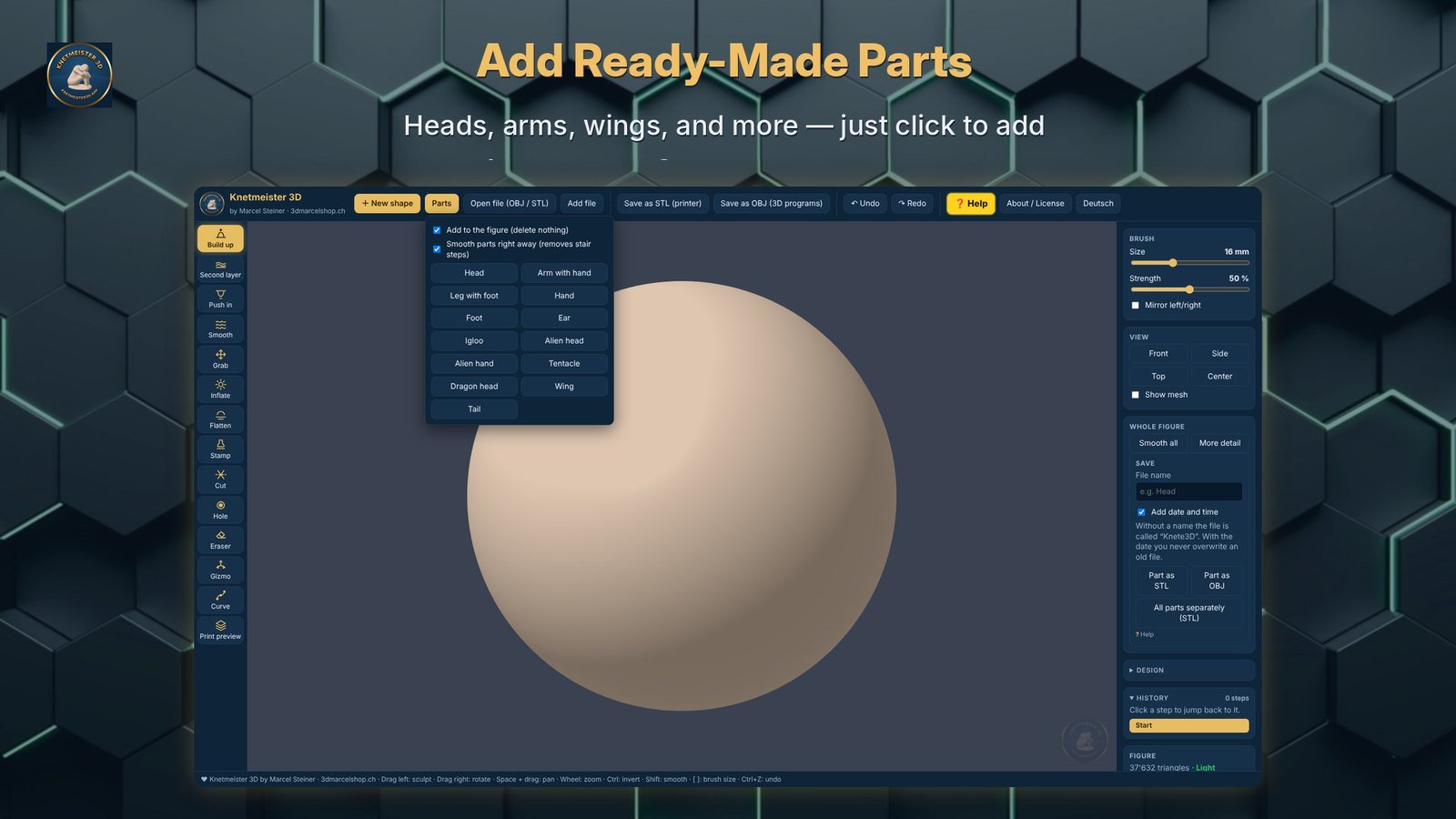
- Add ready-made parts: head, arm, leg, hand, foot, ear, igloo, alien and dragon parts
- Cut a figure along a plane and keep the half they want
- Drill holes with a tube, cone or block
- Move, rotate and resize parts
- Layer preview like in a slicer
- Open their own STL and OBJ files
- Export STL for printing or OBJ for other programs
- Program in English and German
Ideas for a first session
Everyone starts with a ball and tries the brushes. Undo always works, so nobody can break anything.
Add a head, arms or dragon wings from the ready-made parts and shape them into a monster, pet or mascot.
Use the print preview to find thin spots, then save the figure as an STL file.
Print the best figures on your 3D printer and let students present what they made.
Licenses for several computers
Tell us the name of your school, library or makerspace and how many computers you need. We will send you an offer for multiple licenses.
Want to test first? Every computer can try the full program free for 7 days in the Microsoft Store.Questions from schools and libraries
Which computers does it run on?
On Windows PCs. It is installed and updated through the Microsoft Store.
Can we try it before buying?
Yes. The Microsoft Store offers a free 7-day trial, so teachers can test everything first.
Are student figures uploaded to the internet?
No. The program works on the computer and figures are saved locally.
Which 3D printers does it work with?
Any 3D printer that prints from STL files. Open the STL in your slicer and print as usual.
How do we get licenses for several computers?
Email us at 3d.druck@gmx.ch with the name of your school and the number of computers, and we will send you an offer.
Is it in English?
Yes. The program runs in English and can be switched to German.